Preparing Your Website for 2026: A Year-End Checklist
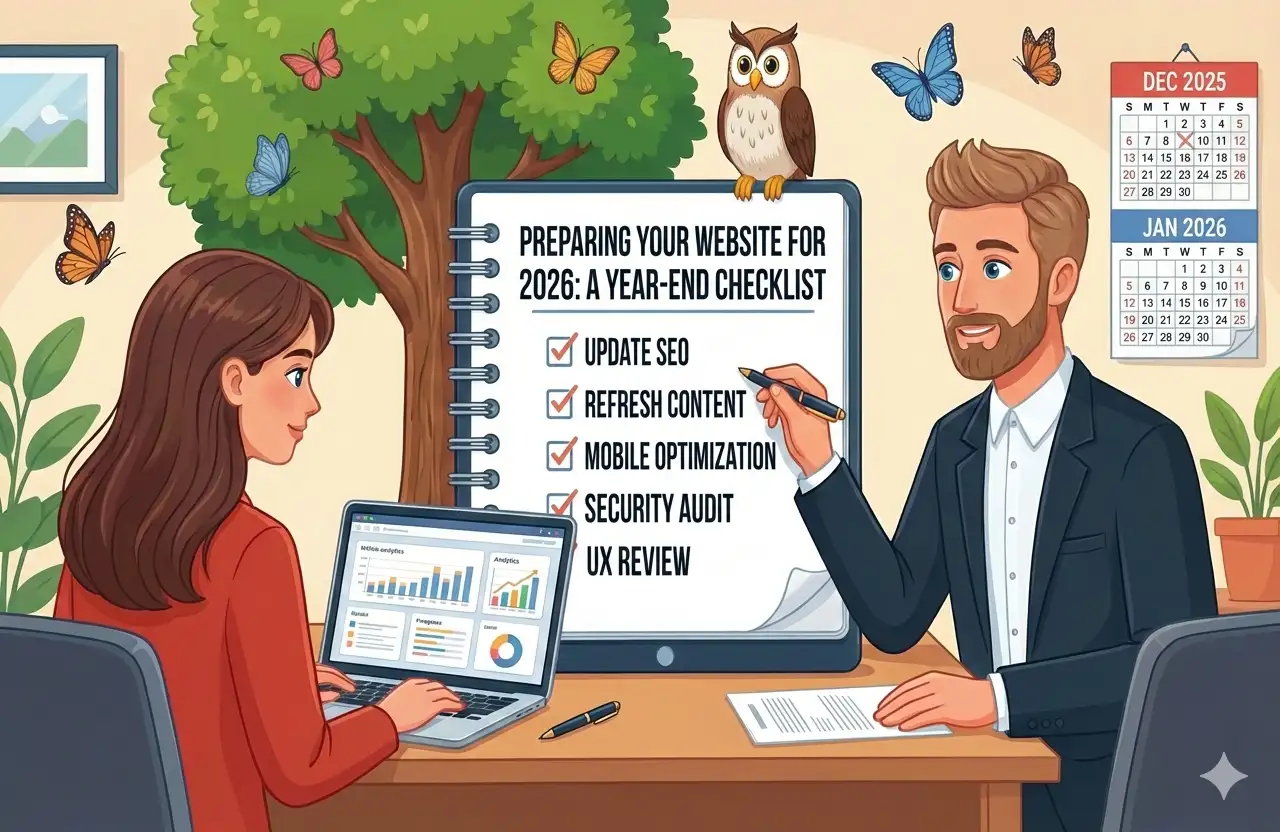
Another year is winding down, and it's the perfect time to prepare your website for success in 2026. A thorough year-end review ensures you enter the new year with a site that's current, secure, and positioned to achieve your goals. Think of it as annual maintenance for your most important marketing asset.
Too many businesses treat their websites as "set and forget" projects, only paying attention when something breaks. But websites need regular attention to stay secure, perform well, and accurately represent your evolving business. A systematic year-end review catches issues before they become problems and sets you up for a strong start to the new year.
Content Audit: Is Your Information Current?
Your website content is what visitors actually see and interact with. Outdated or inaccurate information damages credibility and can even create legal or customer service problems. Start your year-end review by examining every piece of content on your site.
Copyright and Legal Updates
The footer copyright date is the most obvious indicator of website neglect. Nothing says "this site hasn't been touched in years" like a copyright notice showing 2023 when it's 2026. Update your copyright date, but also review:
- Terms of service and privacy policies for accuracy with current laws
- Cookie consent notices if you operate in regions requiring them
- Regulatory compliance statements specific to your industry
- Any licenses, certifications, or credentials mentioned—are they still current?
These legal elements often get forgotten because they're not visible in day-to-day browsing, but they matter for compliance and credibility.
Team and Company Information
Businesses change over time. Review your About page and team section:
- Have team members joined or left?
- Have roles changed for existing team members?
- Are team photos still current and professional?
- Has your company story evolved in meaningful ways?
- Have you achieved milestones worth mentioning?
If your About page describes "our founding three years ago" when it's actually been seven years, visitors notice the disconnect. Keep your company narrative current.
Products, Services, and Pricing
This is where outdated content causes real problems. Review all pages describing what you offer:
- Are all listed services still available?
- Is pricing accurate and current?
- Do descriptions reflect your current capabilities and approach?
- Are any promised features or benefits no longer applicable?
- Have you added offerings not yet reflected on the site?
Outdated pricing is particularly problematic—visitors who see one price online and hear another when they call feel misled, even if the higher price is justified.
Portfolio and Case Studies
Your portfolio should showcase your best and most relevant recent work:
- Add projects completed this year that demonstrate your capabilities
- Consider removing older work that no longer represents your quality level
- Update case study results if you have newer data
- Ensure all portfolio links still work and referenced businesses still exist
A portfolio full of work from five years ago suggests you haven't done much since. Feature recent projects prominently even if older work remains in your archives.
Testimonials and Reviews
Social proof needs maintenance too:
- Add fresh testimonials collected this year
- Verify that quoted clients still exist and remain happy
- Check that any linked review profiles (Google, Yelp, etc.) are still accurate
- Remove testimonials from businesses that have closed or relationships that have soured
Recent testimonials carry more weight than old ones. If all your testimonials are dated 2021, visitors wonder what's happened since.
Blog and Content Updates
If you maintain a blog, review your posting history:
- When was your last post? Gaps suggest abandonment
- Are older posts still accurate and relevant?
- Do any posts contain outdated information that could mislead readers?
- Are there evergreen posts worth updating and republishing?
For blogs to support SEO effectively, they need regular fresh content. Plan your content calendar for at least the first quarter of the new year.
Technical Health Check: Does Everything Work?
Behind the visual content lies technical infrastructure that needs regular attention. Technical problems often go unnoticed until they cause visible failures—the goal is catching issues before that happens.
Software Updates
Outdated software is the most common source of both security vulnerabilities and technical problems:
- Update your CMS (WordPress, Shopify, etc.) to the latest stable version
- Update all plugins, extensions, and modules
- Update your theme or template framework
- Review and remove any plugins you're not actively using
Before updating, always ensure you have a current backup. While rare, updates can occasionally cause problems, and you need the ability to restore if something goes wrong.
Form Testing
Forms are critical business tools that can fail silently. You might not know your contact form is broken until you notice you haven't received inquiries in weeks:
- Submit test entries through every form on your site
- Verify submissions arrive at the correct destinations
- Check that confirmation messages display properly
- Test form validation with intentionally invalid entries
- Confirm any automated responses (thank you emails) are sent and delivered
Test from different devices and browsers. A form that works on desktop Chrome might have issues on mobile Safari.
Link Verification
Broken links frustrate visitors and hurt SEO:
- Scan your entire site for broken internal links
- Check external links to ensure they still reach valid destinations
- Verify that images load correctly on all pages
- Test downloads to confirm files are still accessible
Free tools like Broken Link Checker or Screaming Frog can scan your entire site automatically. Run a scan annually at minimum, more frequently if you update content often.
Performance Testing
Website speed tends to degrade over time as content accumulates and plugins multiply:
- Test your site speed using Google PageSpeed Insights
- Check mobile performance specifically
- Identify pages that load particularly slowly
- Review your hosting plan—is it still adequate for your traffic?
Compare results to previous tests if you have them. Significant slowdowns indicate problems worth investigating. Learn more about why website speed matters and how to improve it.
Backup Verification
Backups are worthless if they don't work when you need them:
- Confirm automated backups are still running on schedule
- Verify backup files actually contain your site data
- Test restoration in a staging environment if possible
- Ensure backups are stored off-site (not just on your web server)
The time to discover your backup system failed is not when you desperately need to restore your site.
Security Audit: Are You Protected?
Website security isn't glamorous, but a breach can devastate your business through data theft, reputation damage, and recovery costs. Year-end is the perfect time for a thorough security review.
Access Control Review
Manage who can access your website backend:
- Remove accounts for employees or contractors no longer with your company
- Review permission levels—does everyone still need the access they have?
- Identify any shared accounts and transition to individual logins
- Check for accounts you don't recognize (potential security breach indicator)
The principle of least privilege applies: people should have only the minimum access necessary for their roles.
Password Updates
If administrative passwords haven't been changed in over a year, change them now:
- Update your main CMS administrator password
- Change hosting control panel passwords
- Rotate FTP/SFTP credentials if used
- Update database passwords if you have direct access
Use strong, unique passwords for each account. A password manager makes this manageable. Never reuse passwords across multiple sites.
SSL Certificate Status
HTTPS is essential for security, SEO, and user trust:
- Verify your SSL certificate is valid and not nearing expiration
- Check that all pages load via HTTPS, not HTTP
- Ensure HTTP requests redirect properly to HTTPS
- Look for mixed content warnings in browser developer tools
Set calendar reminders for certificate renewal if you don't have auto-renewal configured.
Security Scanning
Run automated security scans to identify potential issues:
- Scan for malware that might have infected your site
- Check for known vulnerabilities in your software versions
- Review file integrity to identify unauthorized changes
- Monitor for your site appearing on blacklists
Security plugins like Wordfence (for WordPress) or external services like Sucuri can perform these scans. Address any issues found immediately.
SEO Checkup: Can People Find You?
Search visibility determines how many potential customers discover your business. Annual SEO review ensures you're maintaining and improving your search presence.
Analytics Review
Examine your traffic data to understand what's working and what isn't:
- Compare this year's traffic to last year—are you growing?
- Identify your top-performing pages and understand why they succeed
- Find pages with declining traffic that may need attention
- Review traffic sources—how are people finding you?
Look for trends and anomalies. Sudden traffic drops often indicate technical problems; gradual declines might indicate content going stale or competitors improving.
Search Console Audit
Google Search Console provides insights directly from Google about how they see your site:
- Address any errors or warnings Google has flagged
- Review your indexed pages—are important pages missing?
- Check for manual actions or security issues
- Examine search queries driving traffic to your site
Make Search Console review a regular habit, not just an annual task. Problems flagged here are worth immediate attention.
Meta Information Updates
Title tags and meta descriptions influence both rankings and click-through rates:
- Review title tags for key pages—are they optimized and under 60 characters?
- Update meta descriptions to be compelling and under 160 characters
- Ensure each page has unique titles and descriptions
- Check that important keywords appear naturally in these elements
For pages that haven't been touched in years, meta information often benefits from refreshing to align with current search patterns.
Local SEO Verification
If you serve a local market, verify your local presence:
- Confirm Google Business Profile information is accurate
- Check that NAP (Name, Address, Phone) is consistent across all listings
- Respond to any reviews you haven't addressed
- Update business hours, especially if they change seasonally
Local search is increasingly important, and Google Business Profile is the foundation. Keep it current.
Goal Setting for 2026
With your review complete, look forward to the coming year.
Review This Year's Performance
Before setting new goals, assess how you performed against last year's objectives:
- Did your website achieve its traffic goals?
- How did conversion rates trend over the year?
- Which initiatives succeeded and which fell short?
- What did you learn that should inform next year's approach?
Honest assessment of past performance makes future goals realistic and actionable.
Set Measurable Objectives
Define specific, measurable website goals for 2026:
- Traffic targets (overall and by source)
- Conversion rate improvements
- New functionality to implement
- Content creation commitments
Vague goals like "improve the website" lead nowhere. Specific goals like "increase organic traffic 20% by Q3" are actionable and measurable.
Budget Allocation
Plan your website investment for the new year:
- Ongoing maintenance and hosting costs
- Content creation (blog posts, case studies)
- Planned improvements or new features
- Potential redesign or major overhaul
Understanding your budget early helps prioritize initiatives and prevents year-end scrambles.
Let Us Handle Your Website Maintenance
A thorough website review takes time and technical knowledge. At Getwebbed, we offer ongoing maintenance services that keep your site secure, updated, and performing at its best throughout the year.
Our maintenance packages include regular software updates, security monitoring, backup management, and performance optimization—everything your website needs to serve your business reliably.
Contact us today for a free consultation and let's make sure your website is ready for a successful 2026!